Ready when
you are.
Sign in, take a photo and let AI help with your next listing.
Use the private password set up for The Embroidery Box.
We’ll do
the writing.
Reading the product code and design from your photos…
Keep this page open. Your photos are sent to OpenAI to create the draft.
From photo
to ready to sell.
Take a picture of your kit. AI reads the product code, writes your listing and prepares one high-quality themed background image.
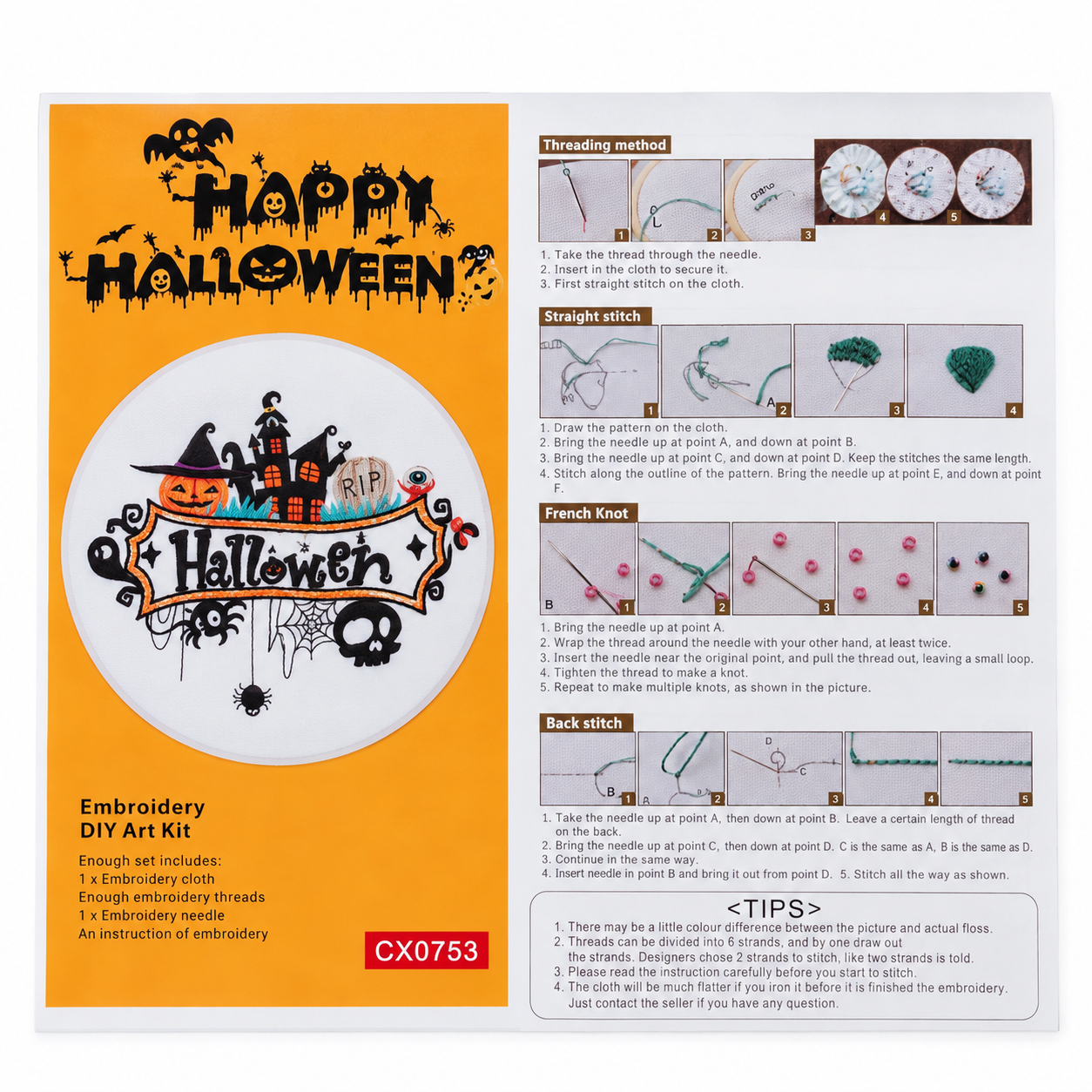 CX0753 · Sample
Photograph kits & save to queue →
Your drafts
0 draftsChange selected draft prices
A fresh start. Your saved listings will appear here.
Let’s see your kit.
Keep the whole design and the product code in the picture.
Upload one complete design photo, or add both halves of the same design. AI reads all photos together. Both original photos stay in the gallery; the generated themed image goes first.
Use natural light, lay the kit flat and avoid glare. Include the contents if you can.
A little final check.
Make sure the image and details match the kit you’re selling.
Tap a thumbnail to choose the main image. Compare the AI image with your original; confirm that it matches the design. Finished-design previews illustrate what the DIY kit can make.
Your listing
is ready.
It’s saved in your studio database. Open it from any signed-in phone. Open Review for eBay from your drafts to validate and publish the listing.